Keypad Door Locks and Their Importance in Home Security
Keypad door locks have revolutionized Home security by providing keyless, convenient, and robust access control.
Unlike traditional locks, which rely solely on physical keys, keypad locks use numeric codes to grant entry, eliminating the risks posed by lost, stolen, or duplicated keys.
This makes them popular in residential, commercial, and institutional settings that want to enhance security without sacrificing ease of use.
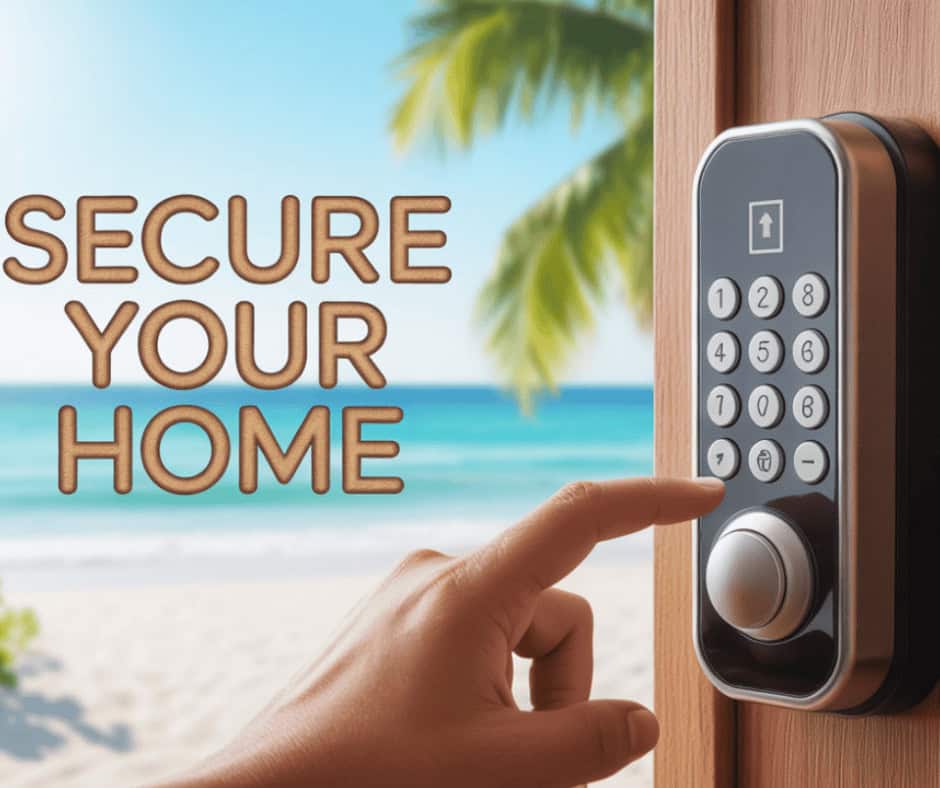
These locks allow homeowners to create unique access codes for Family members, guests, and service providers. Some models accommodate multiple codes with specific time restrictions, increasing flexibility and control.
The digital nature of keypad locks also enables integration with smart Home systems, enabling remote entry and monitoring.
To keep keypad locks effective, change access codes regularly to prevent unauthorized entry from leaked or guessed combinations. This makes knowing how to change the code on a keypad door lock an essential skill for all users.
This comprehensive guide provides in-depth instructions for changing keypad door lock codes, including material preparation, locating reset options, programming the new code, and troubleshooting.
For further security enhancement tips and detailed tutorials, visit trusted sources such as SafeWise, Home Security Store, and ADT.
How to Change Code on Keypad Door Lock
Changing the code on a keypad door lock involves a few standardized steps, but the process varies slightly by brand and model. Start by gathering the necessary materials, including the lock’s user manual, and choose a new, secure code.
Next, the user identifies the location of the reset button or understands the reset sequence—a specific combination of button presses that triggers the code change mode. This step is crucial to start the lock’s programming mode.
Once in reset mode, enter the existing access code, then press the reset sequence or the confirmation button. Then enter the new code with the required length and format to overwrite the old one.
Finally, confirm the new code and test it multiple times to ensure it functions correctly before locking the door. This ensures uninterrupted access and security.
Regularly changing codes reduces security risks from compromised access and maintains control over who can enter your property.
Gathering Necessary Materials: User Manual and New Code
User Manual: Before you begin, keep the keypad lock’s user manual on hand. This document contains essential brand-specific information, such as the reset button location, code length requirements, and programming sequences.
If you don’t have a physical manual, most manufacturers offer downloadable PDFs online by model number.
Choose a New Code: Select a new access code that balances memorability and security. Avoid obvious sequences like “1234” or birthdays.
A secure code typically has 4 to 8 digits, is non-repetitive, and doesn’t follow common numeric patterns. Write the code down temporarily while programming to prevent inadvertent memory loss.
Having these materials ready simplifies the code change process and reduces errors during programming.
Locating the Reset Button or Sequence on the Keypad Lock
| Lock Make/Model | Reset Button Location | Reset Sequence/Procedure | Additional Notes |
|---|---|---|---|
| Schlage Keypad Locks | Inside the battery compartment or a small hole near the keypad | Press and hold the reset button, enter the current code, then the new code | Some models require battery removal first |
| Kwikset SmartCode Series | At the interior side panel, under the cover or the back plate | Input current code + * + new code + # | Consult the model-specific manual; sequences vary |
| Yale Keypad Deadbolt | Small hole on the back plate or under the cover | Press the reset button, enter the current code, then the new code | May require a tool to press the recessed reset button |
| Samsung Digital Locks | Usually behind the keypad or the battery panel | Press the reset button, wait for the beep, and input the new code | Requires the door to remain open during programming |
| August Smart Lock | Reset via app or manual method inside the lock | Reset conducted via smartphone; follow app instructions | Bluetooth connectivity required |
| Kwikset 909 Electronic | Inside cover near the inside thumb turn | Enter the current code, press the reset button, then enter the new code | Manual recommended for precise steps |
| Ultraloq UL3 | Inside the battery cover, a hidden reset button | Hold the reset button for 5 seconds, and enter the new code | Models vary: consult specific guides |
Identifying your lock’s reset interface is the foundational step toward successfully changing your code.
Entering the Current Code Followed by the Reset Sequence
To enter code-change mode, first authenticate with the existing code to prevent unauthorized changes. Insert the current valid code on the keypad.
Next, press the reset button or follow the lock’s specific reset sequence, which usually consists of special keys such as the asterisk (*) or pound/hash (#) buttons combined in a specified order.
The lock may indicate readiness with an audible beep or flashing lights to confirm it has entered programming mode.
If you don’t enter this sequence correctly, the lock won’t allow code changes, protecting it from random attempts.
Refer to your lock’s user manual to confirm the exact sequence, as variations exist between brands and even models.
Inputting the New Code and Confirming It
After entering reset mode, carefully input your chosen new access code. Follow any length requirement—usually 4 to 8 digits.
After you enter it, some locks require confirmation, such as re-entering the code or pressing a confirmation key like “#” to finalize the programming.
Successful programming emits a positive signal, such as a beep or light flash.
Mistakes during input usually trigger an error indication that requires you to restart the process. Always keep a secure written record of your new code to avoid lockouts.
Testing the New Code to Ensure It Works Correctly
Immediately test the newly programmed code by locking and unlocking the door multiple times.
Verify that the door locks and unlocks smoothly with the new code. Attempt invalid code entries to ensure the lock rejects them correctly.
Testing confirms successful programming and reduces frustration from potential lock errors. If the new code doesn’t work properly, repeat the reset procedure as per the manual.
Additional Tips for Creating a Secure Code
1. Use a mix of digits that don’t follow obvious sequences such as 1111 or 1234.
2. Avoid personal numbers like birthdays or anniversaries.
3. Change codes routinely, especially if shared temporarily with guests or workmen.
4. Use longer codes if the lock supports them for added security.
5. Consider combining keypad locks with additional security measures such as alarms or smart Home monitoring.
Strong codes safeguard your property effectively against unauthorized access.
Troubleshooting Common Issues When Changing the Code
Lock not entering reset mode: Verify proper battery charge and confirm reset button location.
New code not accepted: Ensure the code meets length and format requirements and that you follow the confirmation steps.
Lock beeps or flashes an error: Restart the procedure, check for key debounce issues, and refer to the manual for further assistance.
Battery depletion during programming: Replace batteries with fresh alkaline ones before retrying.
App connectivity issues (smart locks): Make sure your smartphone’s Bluetooth or Wi-Fi is active, and its firmware is up to date.
Patience and following the manufacturer’s instructions resolve most programming errors.
Alternatives to Breaking Down the Door or Calling a Locksmith
Before resorting to forced entry or calling a locksmith, consider:
1. Reviewing the lock manufacturer’s troubleshooting guides.
2. Resetting locks via smartphone apps where applicable.
3. Using secondary authorized access methods (backup keys, Bluetooth relays).
4. Contacting technical support for remote assistance.
5. Borrowing or purchasing user manuals online for specific reset sequences.
These options often resolve code issues without damage or expense.
(FAQs)
Q1: Can I change my keypad code without the old code?
Ans: Usually, no. Most locks require the current code for security. Resetting without it often requires a factory reset or professional service.
Q2: How often should I change my keypad code?
Ans: Changing codes every 3-6 months or after shared access periods is prudent.
Q3: What if I forget my new code?
Ans: Some locks allow for a master reset or programming via special tools or apps; check your manual for details.
Q4: Does changing the code affect battery life?
Ans: No significant impact, but a low battery can impede programming.
Conclusion
Changing the code on a keypad door lock is a straightforward yet vital process for maintaining home security and controlling access. With the right preparation, including having your user manual and a strong new code, you can confidently reset your lock by locating the reset button or sequence, entering your existing code, and programming the new entry code.
Testing the new code ensures it works and stays secure, while extra tips help you create a strong code that thwarts unauthorized access. Troubleshooting common issues prevents frustration and improves your understanding of your lock’s operation.
#KeypadDoorLock #ChangeCode #HomeSecurity #KeylessEntry #DoorLockTips #DigitalLock #SmartLockSecurity #LockCodeChange #SecureHome #LocksmithHelp